Hello Everyone,
    I am experiencing the following error with my Trezor Model One while connecting it to my PC via USB:

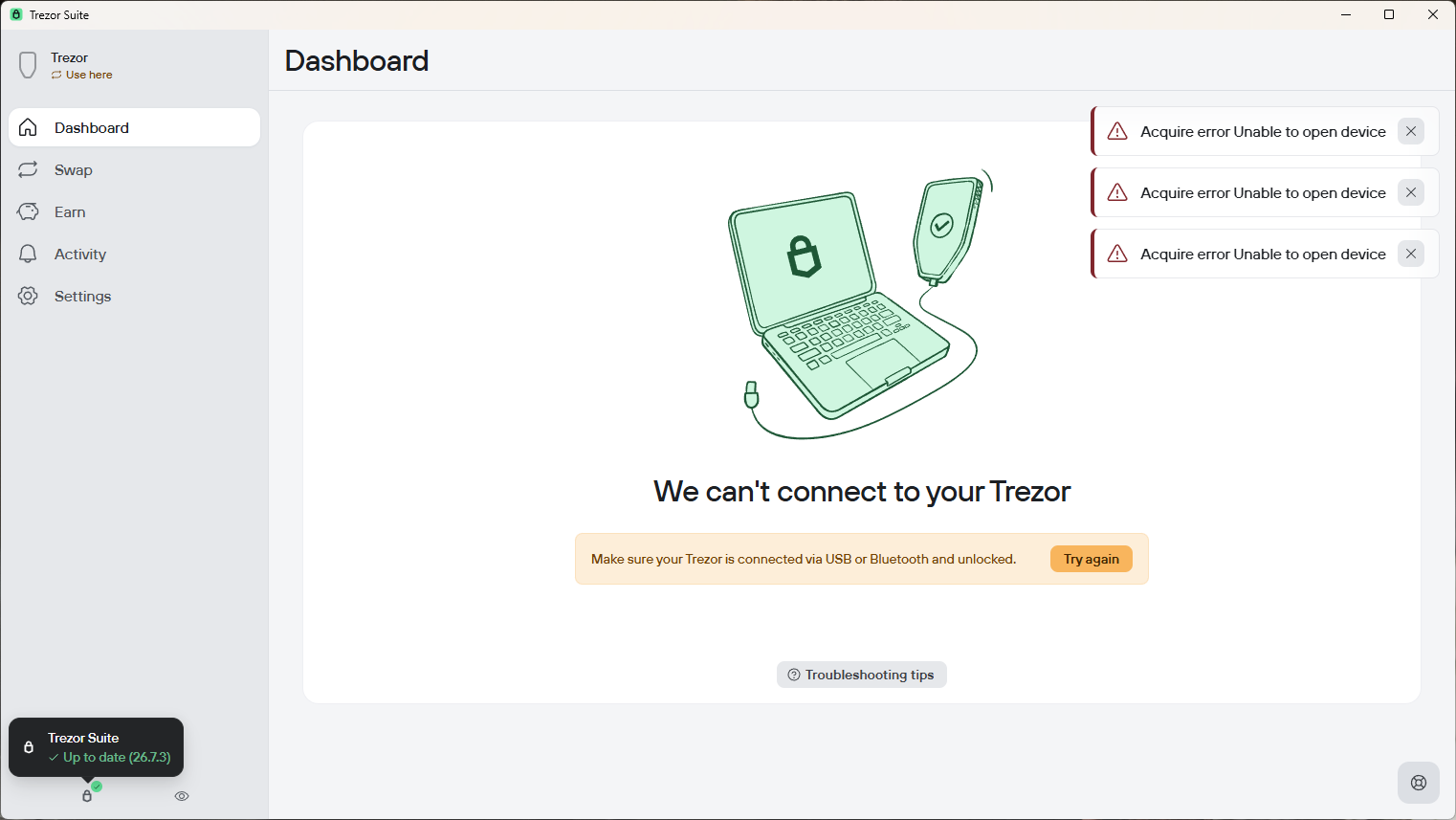
    “Make sure your Trezor is connected via USB or Bluetooth and unlocked.”

    The device had previously been working normally. I was able to perform a factory reset, create a new recovery seed, and transfer Bitcoin to the wallet without any issues.

    A few days ago, I noticed that the auto-eject feature had not been enabled, so I enabled it and tested the device again. The first time I disconnected and reconnected the device, it worked normally. I was prompted to enter my PIN, and I was able to access the wallet successfully.

    However, after disconnecting and reconnecting the device a second time, the error shown in the attached screenshot appeared.

    I have also tested the device using four other USB ports on the same PC, but the same error occurred on every port. To confirm that the USB ports were working properly, I tested them with a USB flash drive and a USB desk light, and both devices worked normally.

    Could you please advise what may be causing this issue and how I can resolve it?

    Thank you very much for your assistance.