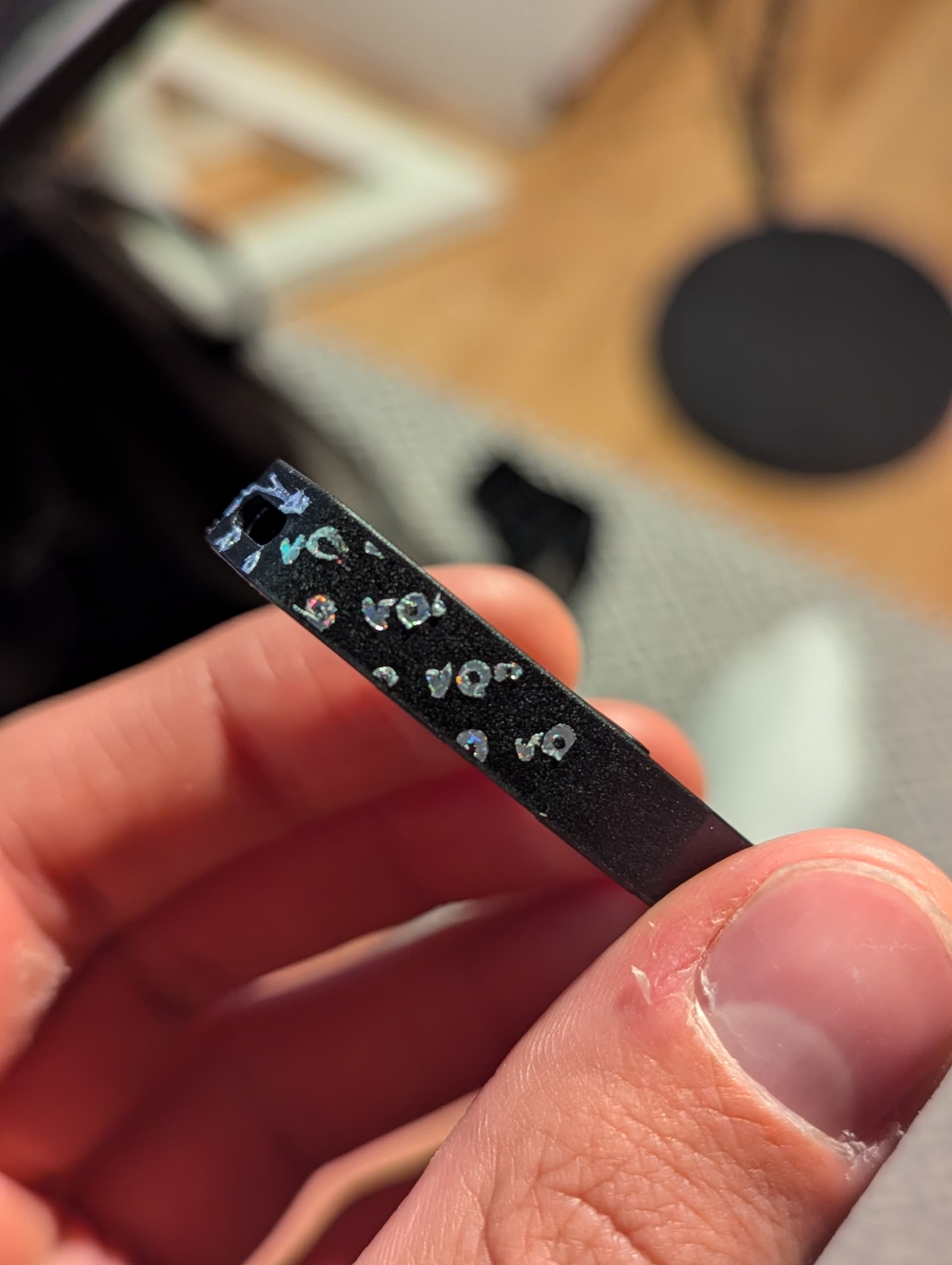
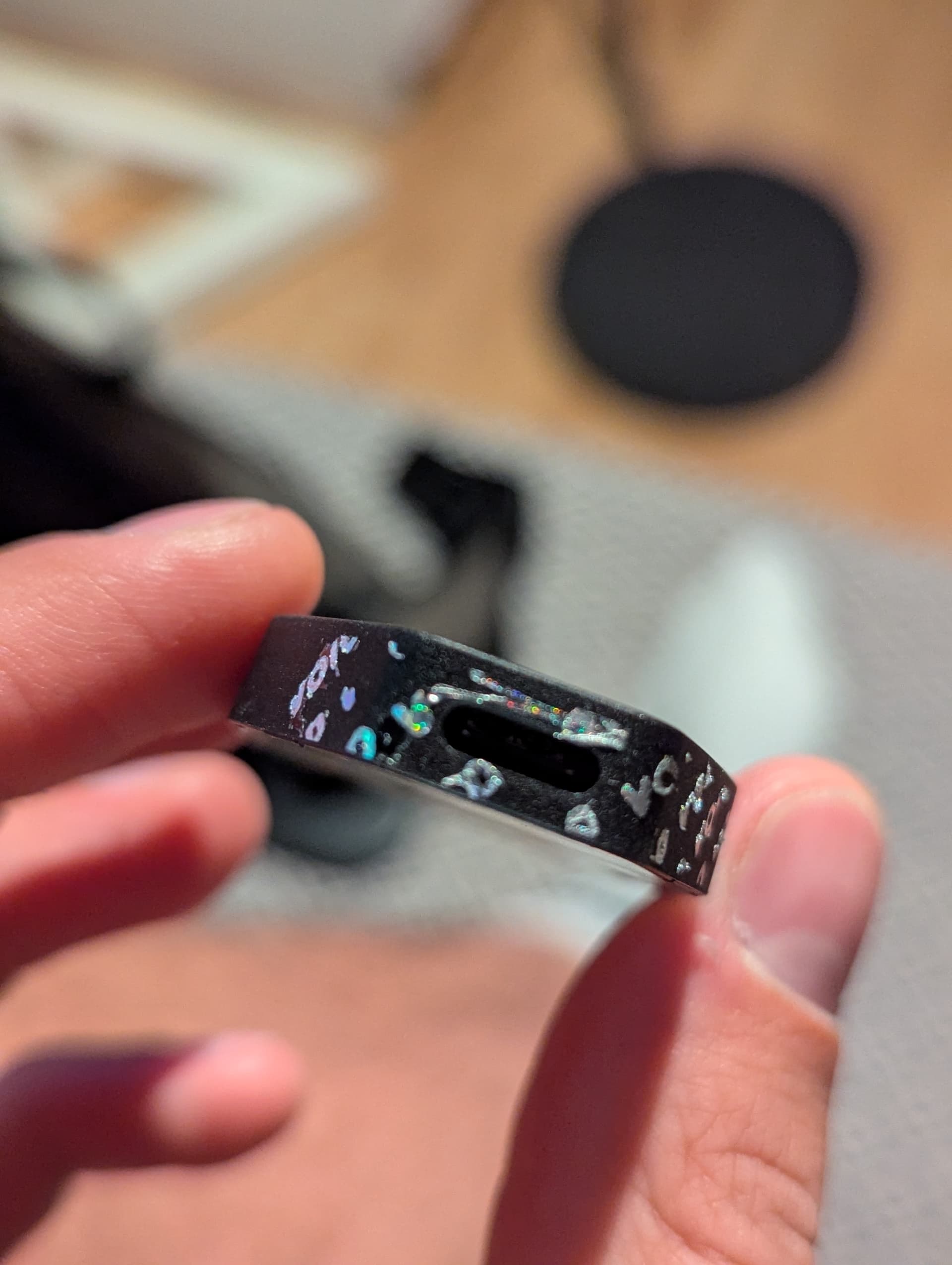
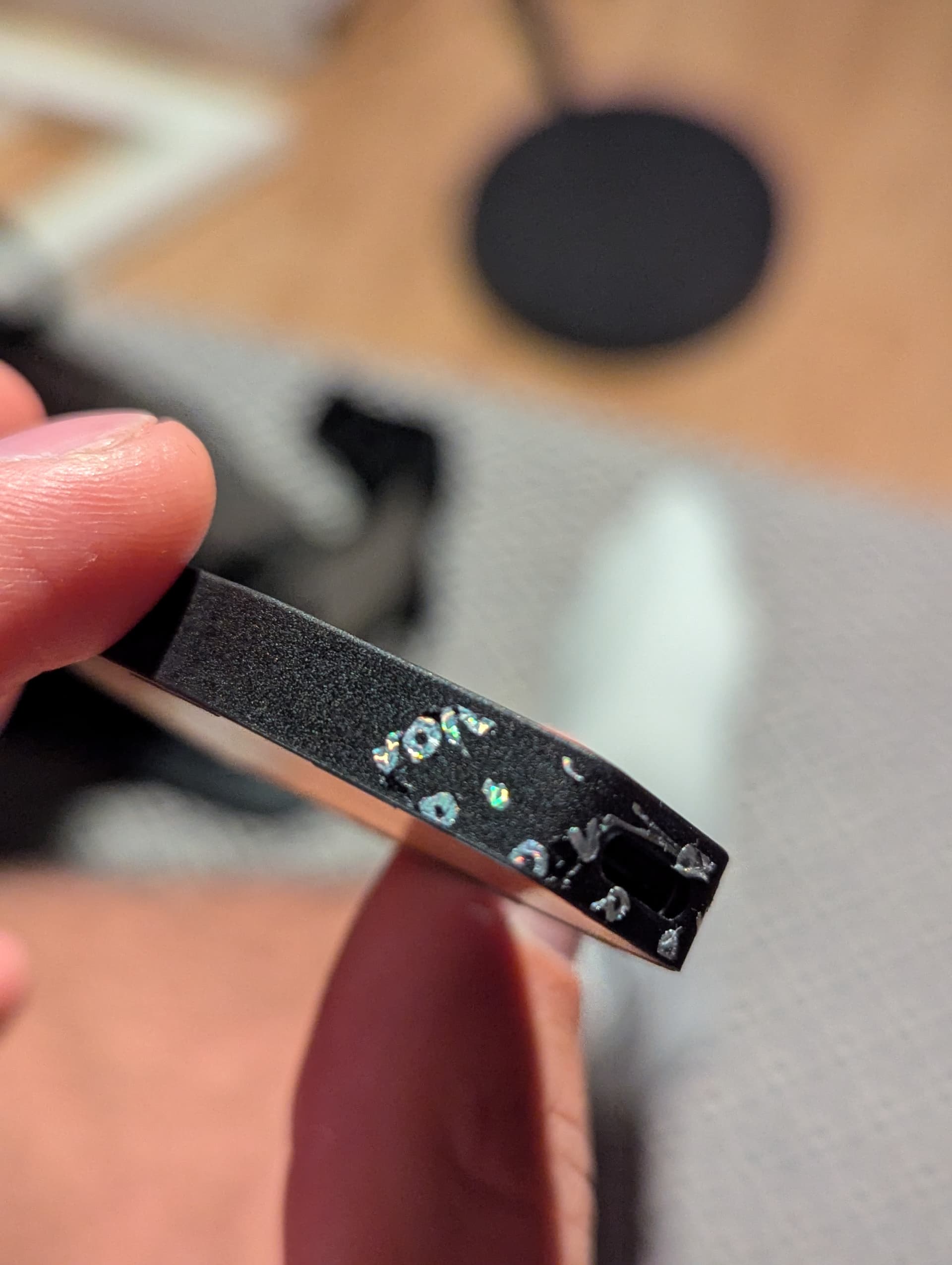
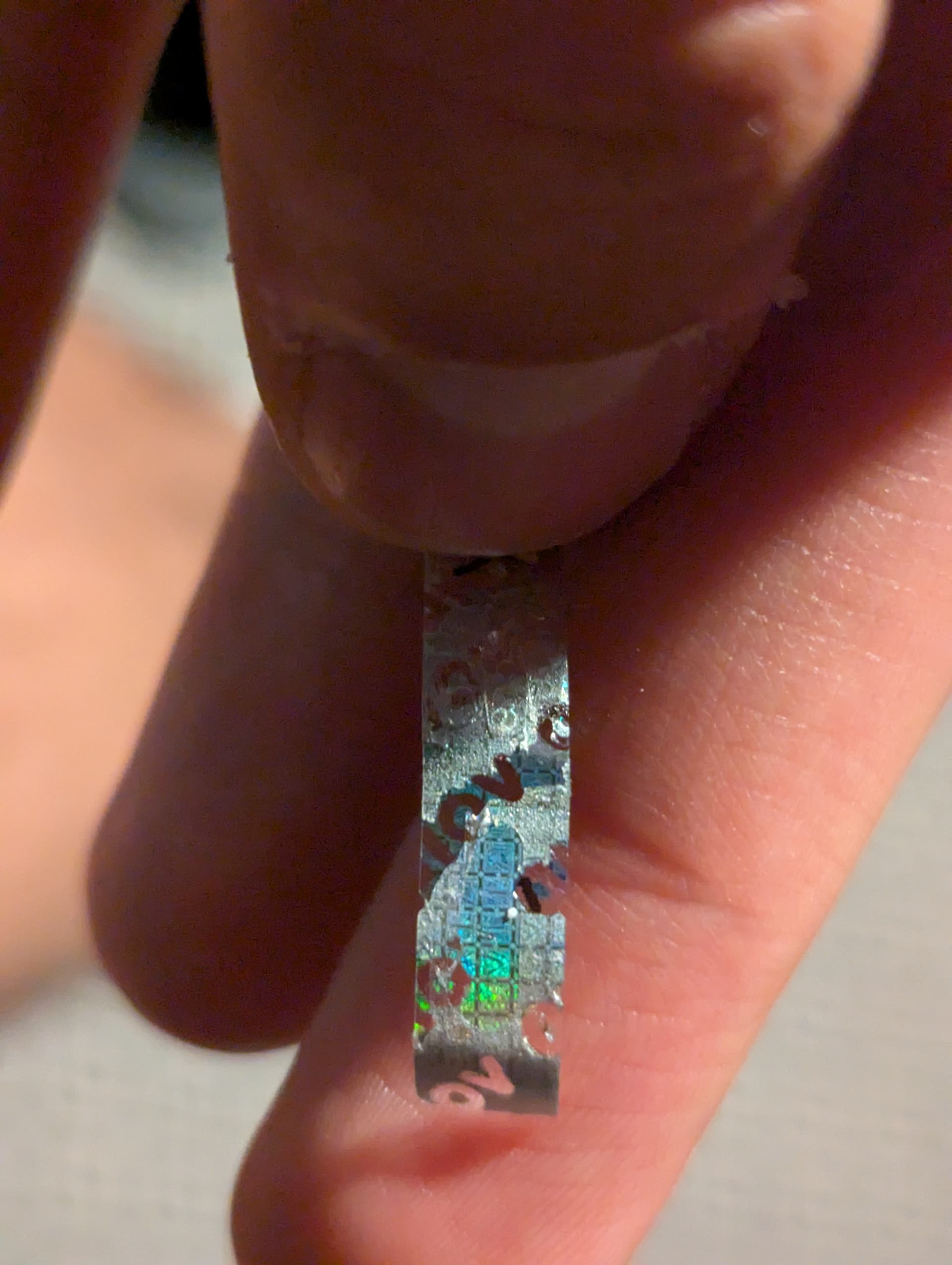
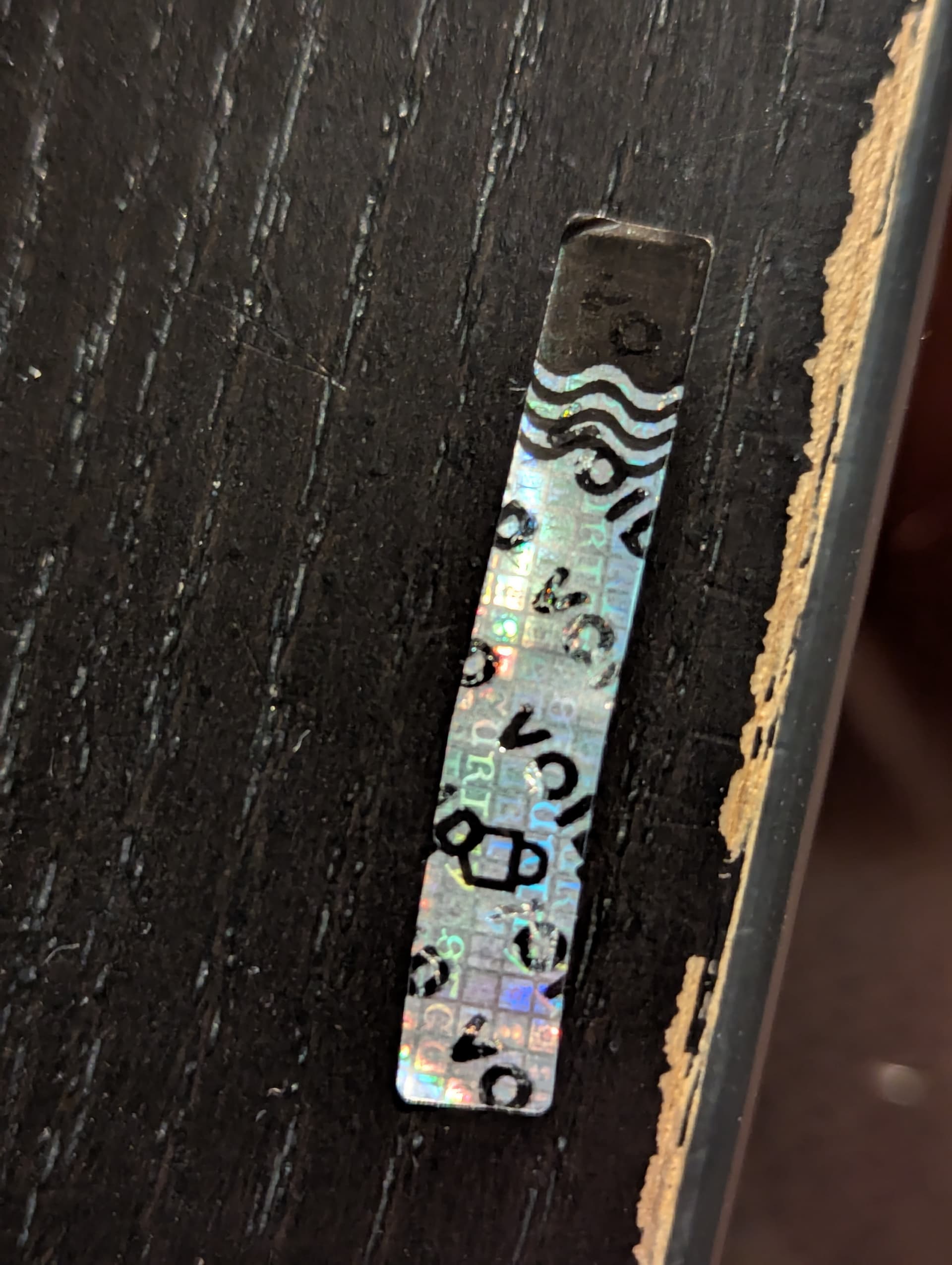
I purchased a Trezor Safe 3 from Trezor on amazon. I even asked Trezor support to provide me with the exact product link to Amazon. Everything looked good, until I came across the holographic seal. In the “get started” paper manual it says the seal will show “void” after its been removed, I can’t see one clear “void” after removing the seal, only parts of it. Check my pictures please.
The holographic seal on your Trezor Safe 3 is designed to adhere securely over the USB port, ensuring that any tampering attempts are evident. It’s normal for the seal to leave residue or fragments, such as the word “VOID,” when removed. This indicates that the seal functioned correctly.
This security seal indeed appears to be genuine.
If you purchased your device directly from the official Trezor website or an authorized reseller, and the seal exhibited these tamper-evident features upon removal, your device is authentic and secure.
Each device should be packaged in an original, undamaged box, containing all the necessary items such as a cable, stickers and wallet backup (recovery seed) cards. Every new device is also protected with a seal.
The Trezor Model One has two seals over the box (there is no seal over the USB port), while Trezor Model T, Trezor Safe 3 and Trezor Safe 5 have a seal over the USB connector.
All our device are shipped without pre-installed firmware. The firmware is installed when the Trezor device is first connected, during the initial setup. If firmware is already installed the device should not be used.
The bootloader verifies the firmware signature each time you connect your Trezor to a computer. Trezor Suite will only accept the device if the installed firmware is correctly signed by SatoshiLabs. If unofficial firmware has been installed, your device will flash a warning sign on its screen upon being connected to a computer.
You can learn more about how to verify an authentic Trezor device here: