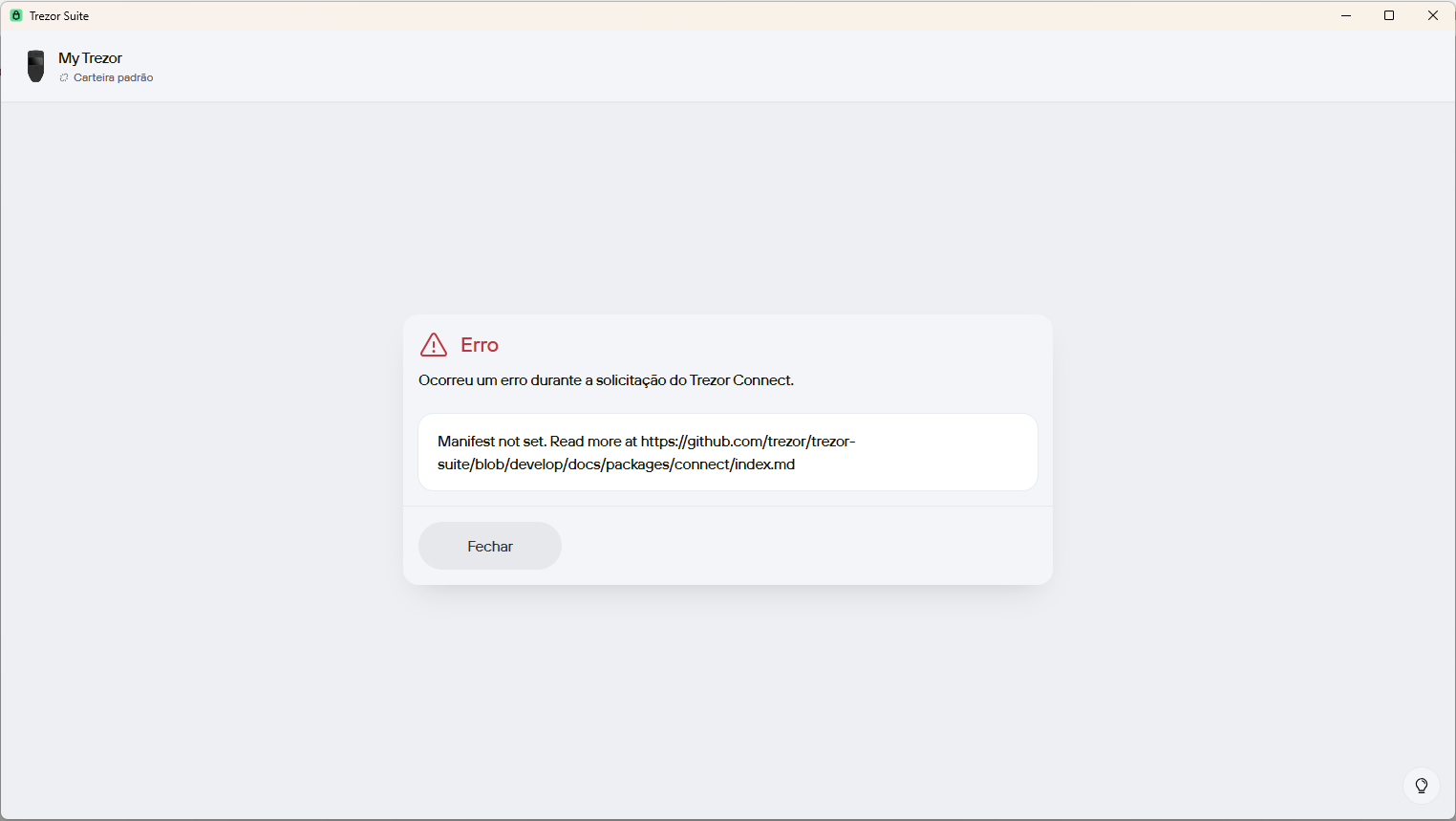
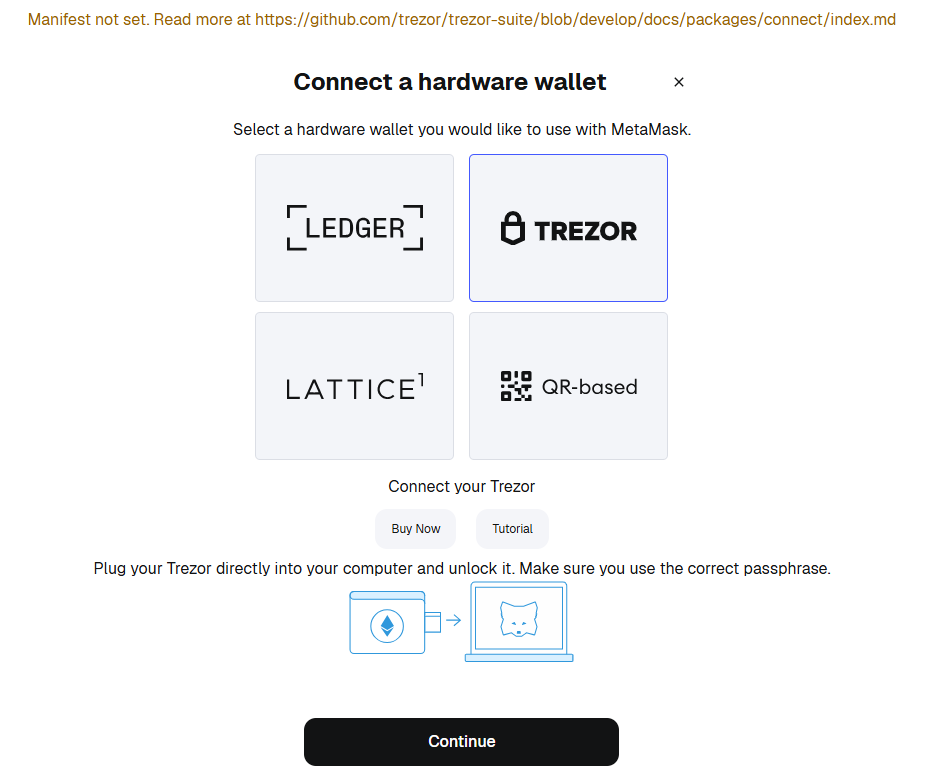
I’m having a problem connecting my Trezor to Metamask in Chrome. I get this error in Trezor Suite: “manifest not set…” as shown in the image I’ve included here. It connects without a problem in Rabby but I can’t in Metamask. Even when I try to add a new account in Metamask through Trezor, I get the same error (see image). I don’t have any extensions other than Metamask and Rabby in my Chrome browser. I have updated Chrome, updated Metamask, updated Trezor firmware, cleared my browser cookies and restarted my computer several times, but nothing has worked yet. Can anyone please help me? Cheers
Hello @hfsnunes am facing the issue any fix will be very much appreciated.
Facing a similar issue.
My fix (hopefully temporary) was to turn off Safety Checks via Trezor Suite, from Strict to Prompt and I can get transactions to work again.
Having similar issue.
Facing the exact same issue, can use rabby and the trezor suite, but can’t use metamask, I don’t know if this is a metamask issue or a trezor issue, but either way, this should be fixed asap.
I think I’m having a similar problem, although I don’t get any error message, the browser just opens a tab as usual to confirm a transaction, but keeps loading nonstop.
1 Like
Well, I decided to solve this problem by migrating my Trezor wallets from Metamask to Rabby where this issue doesn’t occur. Anyone experiencing the same issue can solve it this way as I did. Just install the Rabby wallet and add your Trezor account to Rabby. This isn’t the first time Metamask updates have caused connectivity issues with the Trezor while it never happened with Rabby. Good luck everyone! Long live Bitcoin! Long live crypto! Stay safe. Cheers
1 Like