Dear all, hope you are fine, in my model T, doesnt appears QNT on trezor suite:
Hi @fscabrera03,
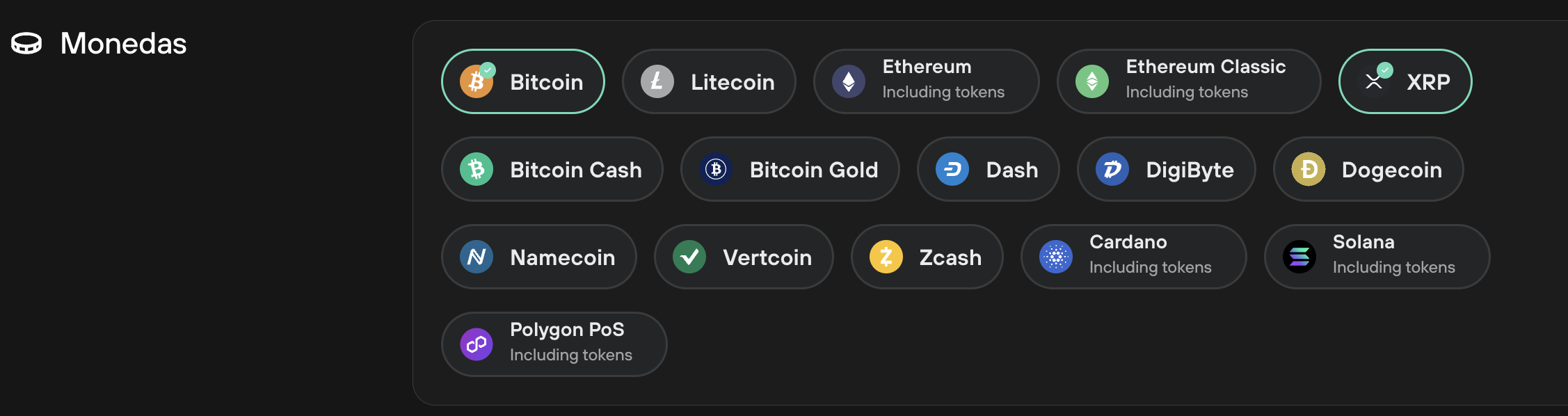
There are several types of supported coins. You can find information on various types of coins and tokens supported by Trezor devices in this video: https://www.youtube.com/watch?v=w-3XRO5u8kc&t=1s.
Quant (QNT) is ERC20 token and is natively supported in Trezor Suite as every other ERC20 token, which is built on top of the Ethereum network and uses Ethereum addresses. Information on how to use ERC20 tokens in Trezor Suite can be found at https://trezor.io/learn/a/ethereum-erc-20-tokens-on-trezor
Using v.25.10.2 of Trezor Suite, following instructions that I can locate, having QNT ERC20 token contract, I expect that I should be able to pull down from an ellipsis (…) an option to add token to my Etherium #1 account. But, that option is not available. Also, I expect that I should transfer my QNT tokens from my Exodus wallet to Trezor with any gas coming out of my QNT account. But I get a notification that I need ETH tokens to cover the gas. I don’t think that I how it is supposed to work given the information I have been able to glean. What gives?
@BobYoder it sounds like you may be viewing instructions for using a different wallet, as tokens are now only displayed in Trezor Suite when you send the token to an account that supports them (we previously had the feature you described but it has been removed).
When sending QNT tokens from Trezor Suite you would need to pay ETH for gas. Gasless transactions, the feature you describe, are not currently supported there, I don’t believe Exodus supports a gasless transaction either.